Review
The Map Workshop review: How much of a level editor is in it?
Tank Avenger's map editor reviewed against our criteria: 14 × 14 blocks, up to 30 maps, Deathmatch only, no stars, no sharing.
Pros
- Simple painting with the controller beam
- All 7 weapons and all 4 worlds selectable
- Up to 30 maps, saved automatically
- 40 steps of undo
Cons
- Deathmatch only, no nuclear warhead
- No stars and no map sharing
- Fixed map size of 14 × 14 blocks
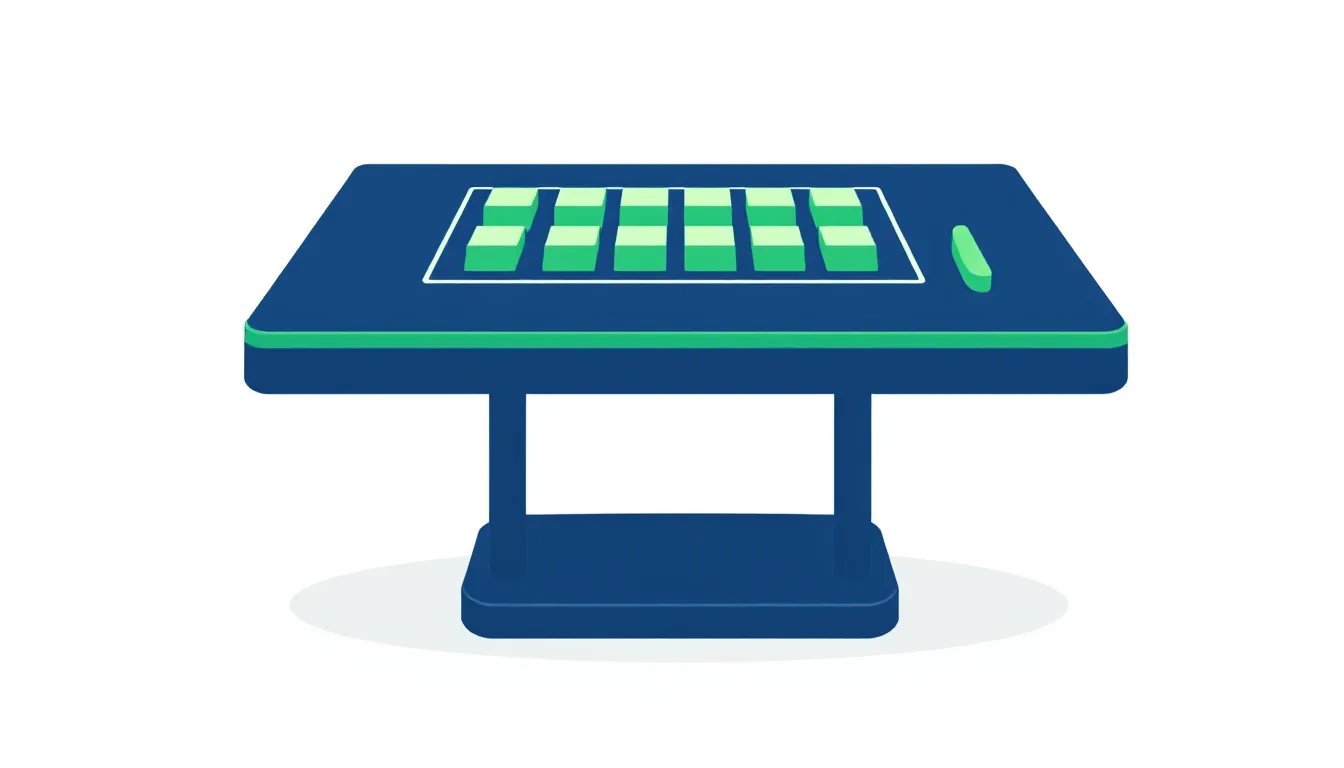
The short answer: The Map Workshop in Tank Avenger is a simple, easy-to-use editor for your own Deathmatch maps. You paint walls, crates, teleporters, and enemies on a holographic drafting table, then play the result directly on your floor. It does not replace a full level-building suite: other modes, stars, and map sharing are missing.
1. What we looked at
- Feature set: What building blocks and settings are available?
- Controls: How well can you build with controllers?
- Saving and managing: How many maps, and where are they stored?
- Limits: What can’t the editor do?
- Value for the player: How much replay value does it add?
This is based on the studio’s game description. The score is the publisher’s opinion.
2. What the editor can do
You reach the workshop from the main menu via CUSTOM MAPS. A 3D model of the map with a 14 × 14 block grid sits on a floating drafting table. You hold down the trigger and move the beam over the grid to paint.
The palette has two columns:
| Column | Brushes |
|---|---|
| Terrain | Eraser, fortress floor, wall, crate, teleporter 1 and 2, your tank |
| Enemies | Standard, Fast, Heavy, Missile, Minelayer, Triple, EMP, Mortar |
There are also per-map settings:
- Weapon: any of the seven weapons, from the cannon to the homing missile.
- World: Town, Desert, Jungle, or Ice, with that world’s look on your floor.
- Attack helicopter: 0 to 3.
- Attack drones: 0 to 3.
A status line shows how many enemies, walls, crates, and teleporters the map has, or the first error in red.
3. Controls
Painting with the beam is easy to pick up. A cursor and a preview of the brush follow the beam. Mistakes can be undone up to 40 steps, and CLEAR TABLE empties the table. A new map starts from a template: a walled courtyard with a gate, two crates, two standard tanks, and one fast tank. That is a useful starting point for understanding the rules.
Some rules are fixed: A map needs at least one enemy. Each teleporter needs exactly two tiles that do not touch. If you don’t place a tank, you start at the front edge. The delete button requires two clicks within four seconds, which prevents accidental deletion. RENAME assigns a random code name; typing in your own name is not described.
4. Saving and managing
You can create up to 30 maps. They are saved automatically when you leave the workshop, locally on the headset. The last map you edited opens the next time you visit. Custom maps are never locked, so you can play them before you have gotten far in the campaign.
5. The limits
These points are worth knowing before you buy if the editor is a reason to purchase:
- Deathmatch only. There are no brushes for water, bosses, or flags. Capture the Flag, Tank Hunt, and Airdrop Assault cannot be built.
- No nuclear warhead. Custom maps never have it.
- No stars. Custom maps do not count toward campaign progress.
- No sharing. Maps are stored locally, and there is no way to exchange them with others.
- Fixed size. 14 × 14 blocks, no larger maps.
6. Who it’s for
- Players who want to build their own challenges after the campaign.
- Families: kids can design arenas for parents to play, or the other way around.
- Anyone who wants to practice specific weapons and enemy combinations.
7. Who should not overrate it
If you expect a building suite like in big editor games, with an online library and freely definable rules, you will be disappointed. The workshop is an addition to the campaign, not a standalone product.
8. How a map comes together: a walkthrough
To help you gauge how much work a custom map is, here is the process in six steps:
- In the main menu, select CUSTOM MAPS and load the template with NEW MAP.
- Use the WALL brush to draw walls; the fortress floor (FLOOR) defines where the fence runs.
- Place crates. They withstand two hits or one explosion and leave drivable floor behind.
- Place enemies, such as a Heavy that can destroy concrete walls, or an EMP tank that briefly disrupts your hand or your drive.
- Set the weapon, world, and number of helicopters and drones.
- Check the status line and select PLAY THIS MAP.
A few game properties are worth keeping in mind while building: projectiles bounce off walls, and crates and tanks stop them. With the Ricochet gun and narrow corridors, this makes for maps built around bank shots. With the mortar, which hits over any wall, the same walls feel completely different. The chosen worlds bring their own quirks, such as the slippery floor of the Ice world.
The map is played on your floor, with the backdrop of the chosen world. After a win, the post-match report shows “MAP CLEARED” instead of NEXT LEVEL.
9. Alternatives
Among well-known mixed-reality games, extensive editors are rare. If you care about playing together in the room, take a look at Holotanks, which focuses on local multiplayer rather than building.
10. Bottom line
The Map Workshop is quick to learn and adds real extra value, because every map you build is played in your room with the matching world. The Deathmatch-only limit and the lack of sharing keep its score below that of the full game. You can find more about the game on the Tank Avenger store page.
Bottom line
The Map Workshop is an accessible editor that does exactly one thing well: build your own Deathmatch arenas and play them in your room right away. If you expect a full level-building suite with sharing and special rules, you'll find it limited.